
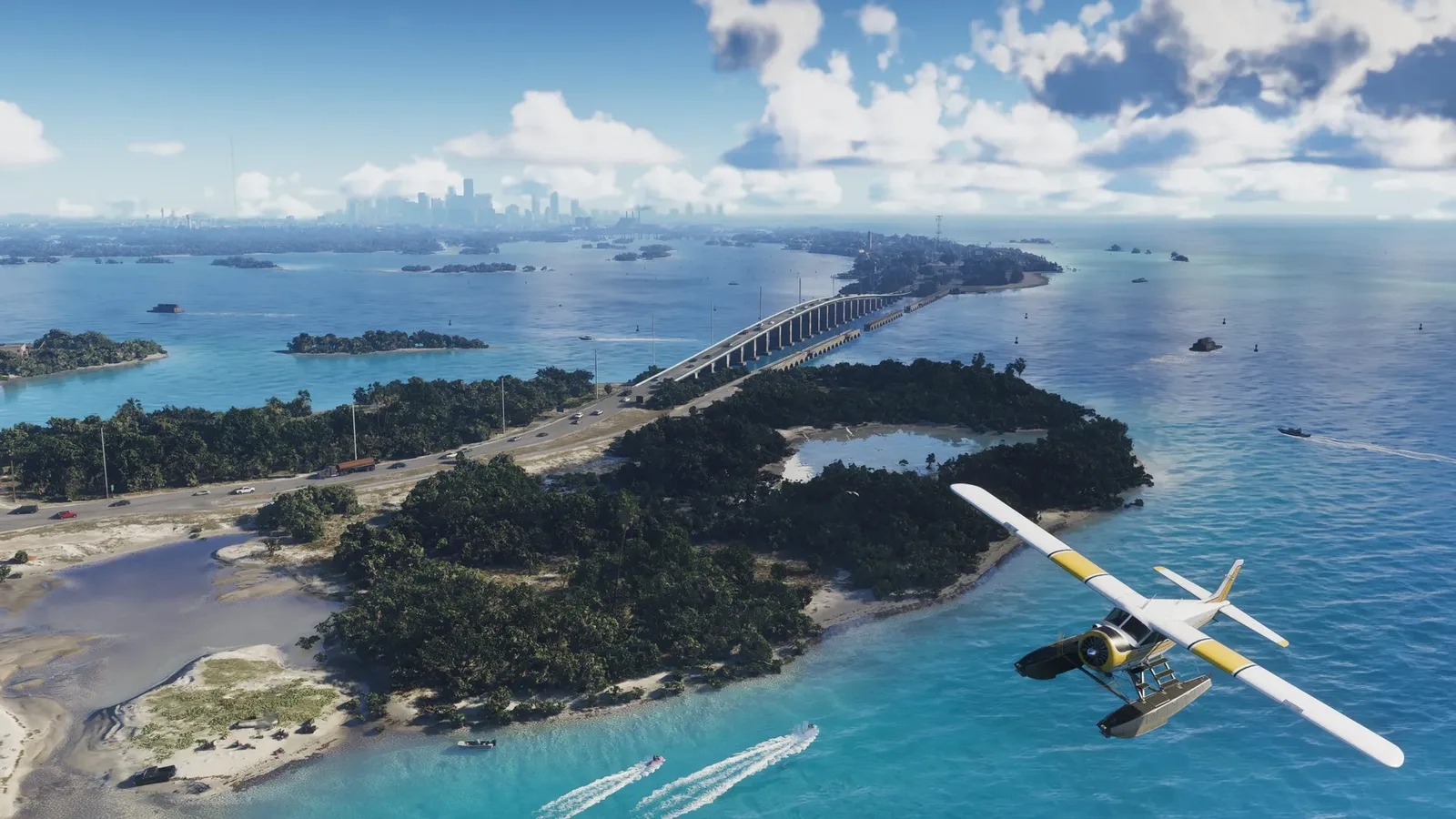

GTADB’s Leonida map added a route planner: pick any two points and it returns distance and estimated drive time along real roads, in 2D or a wireframe 3D view tied into the State of Leonida mapping project. Top of the map to the bottom reads 14.7 miles, Jason’s to Lucia’s is 8.3 km in under six minutes, all fan projection until Rockstar ships the real thing.
- leonida.gtadb.org now plans routes: two points, distance, drive time, up to three stops, metres or miles.
- Jason’s place to Lucia’s reads 8.3 km in about five and a half minutes; the full south-to-north run is 14.7 miles.
- A 3D mode threads routes across wireframe bridges, with Mount Kalaga and the Watson Bay tower modelled.
- The real-life and in-game time labels look swapped, flagged as a likely bug by the creator who surfaced it.
- Everything is fan projection from trailers and leaks, not Rockstar data.
Directions for a Map That Does Not Exist Yet
The community map at leonida.gtadb.org, the GTADB project’s interactive recreation of Leonida, has added a proper route planner. Open the map, hit Directions, click any two points, and it draws the best road route between them with the distance and an estimated drive time. There are toggles for metres or miles and for real-life versus in-game time, a reverse button to flip the journey, and support for up to three stops, so you can plan a detour on a map built entirely from trailers, screenshots and leak reconstructions. We tried it ourselves and the whole thing runs in the browser, 2D or full 3D, with the route snapping to actual roads rather than drawing a straight line.
The feature surfaced through the Vice Vault account on X, which demonstrated the headline example: driving from Jason’s place to Lucia’s covers 8.3 kilometres and takes about five and a half minutes. That is a fan calculation on a fan map, worth repeating before anyone treats it as a Rockstar datasheet, but the mapping project behind it has been refined through sixteen public versions and has held up well against each new batch of official footage.
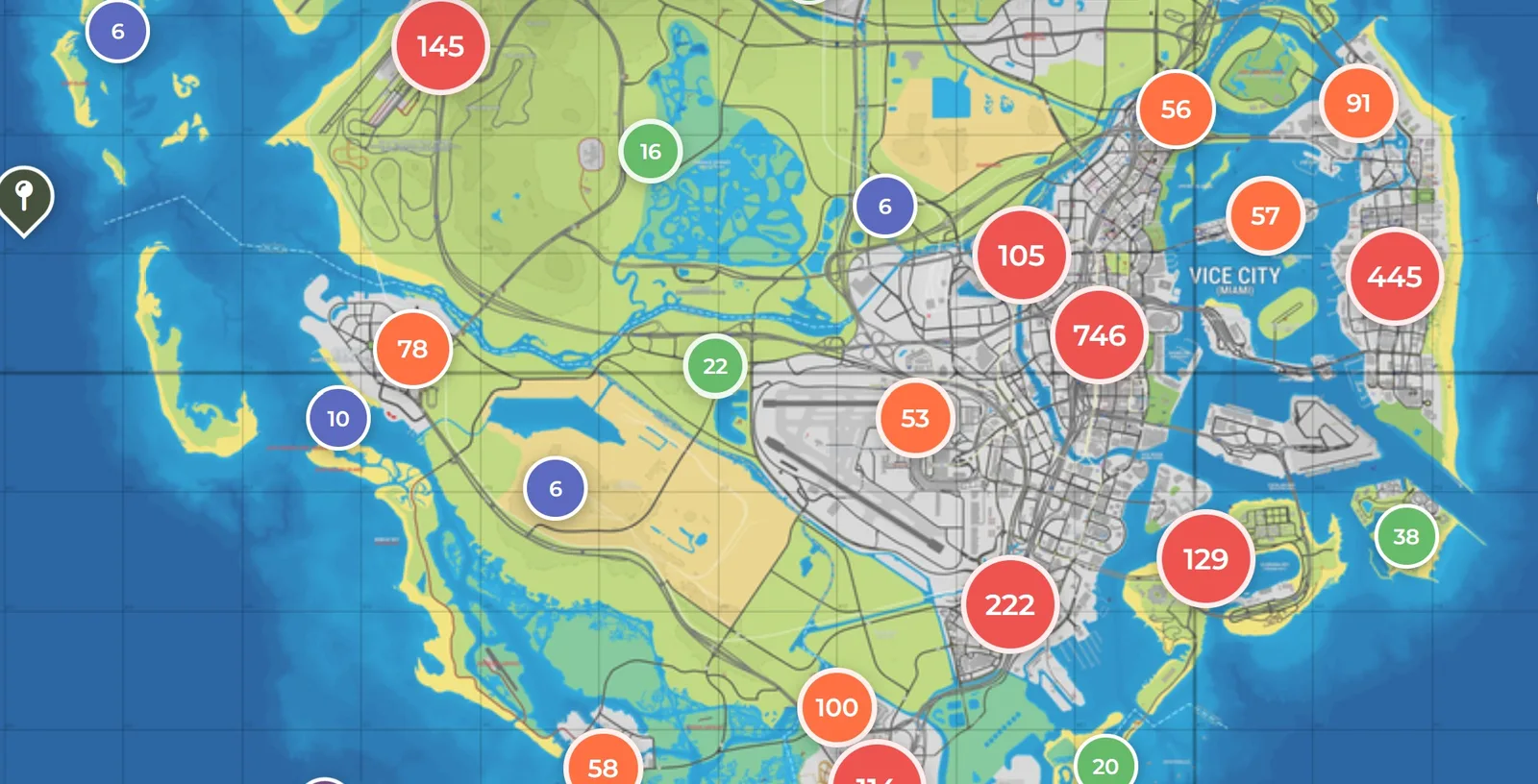
Top of the Map to the Bottom: 14.7 Miles
The number that travels furthest: start at the southernmost road in the Keys and route to the top of the map, and the planner reads 14.7 miles, or 23.6 kilometres, at roughly twelve to thirteen minutes of driving in GTA time. Add a stop at the raceway near Port Gellhorn on the way and the trip stretches to about 30 kilometres, around 19 miles. For a single north-to-south drive, that would comfortably be the longest in the series if the projection holds.
One honest wrinkle: the real-life and in-game labels appear to be swapped. Set the toggle to in-game and the same trip reads over two hours, which makes far more sense as a real-world figure once you account for GTA’s compressed clock. The creator who demonstrated the tool flagged it as a likely bug rather than a scale problem, and it does not change the distances, only which caption they sit under.
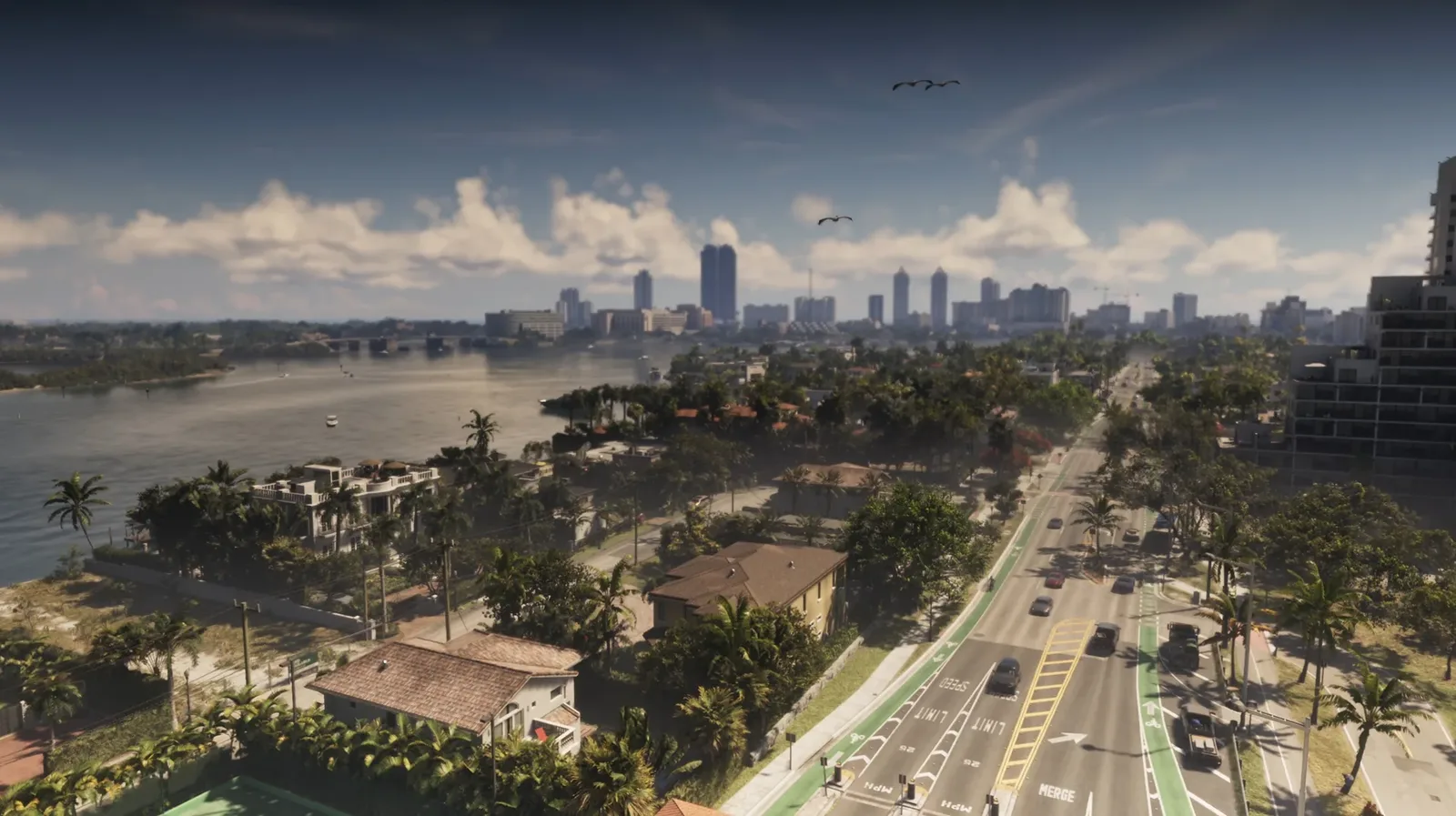
Wireframe Bridges and a 3D Mount Kalaga
The 3D mode is where the project shows off. Routes thread across wireframe recreations of the highway bridges, Mount Kalaga rises as actual terrain, and landmarks like the Watson Bay tower and the prison stand as rough 3D models you can orbit around. None of it is claimed as exact, the tower model famously sits slightly off its true position, but as a free browser toy built from publicly gathered evidence it is remarkable.
It also plugs into the wider ecosystem. The planner is integrated with the State of Leonida mapping project, the long-running community effort whose version history we covered when v16 added Capri, so you can compare map revisions and jump to the trailer screenshots that anchor each area. Credit where it is due: GTADB and the State of Leonida mappers have effectively built a navigation stack for a game that is still five weeks out. When the real map ships on November 19, the interesting question is not whether their drive times were right, it is how close a crowd of volunteers got working from freeze-frames.
Discussion
Comments · Community map gets a route planner
No comments yet.
Loading comments…