


GTA 6 turns the phone into a physical object Jason and Lucia hold, with confirmed apps for banking, taxis, vehicle recovery, texting, car scanning, fitness and a Snapmatic you can browse but never post to, because fugitives leave no footprint.
- BuckMe is a joint account, with Jason and Lucia sharing one banked balance per creator hands-on relays, and the fitness app tracks weight and sleep, with rest feeding how attributes regenerate.
- The phone is now a physical in-world item: the camera zooms over the shoulder onto a real 3D phone instead of a menu popping up in the corner.
- Seven apps are confirmed so far: BuckMe, RydeMe, Scooter Bros, WhatUp, Waink, Snapmatic and a fitness app.
- Waink scans any car before you steal it, listing security, the tool you need, tracker tier, sale value and registration cost.
- WhatUp texting is a relationship mechanic: Jason and Lucia message each other good morning and good night.
- Snapmatic returns as a browse-only Instagram parody, because a couple on the run cannot afford a digital footprint.
Why the Phone Is an Object Now
Open the phone in GTA 5 and a flat menu pops up in the bottom right of your screen. Open it in GTA 6 and the camera zooms over Jason or Lucia’s shoulder onto an actual 3D phone in their actual hand. You are looking at what your character is looking at, and that small change sets the tone for everything on this page. IGN’s preview calls it an in-game item rather than part of the HUD, and the creators who played the hands-on build describe the same thing independently: a fully interactable device, not a texture.
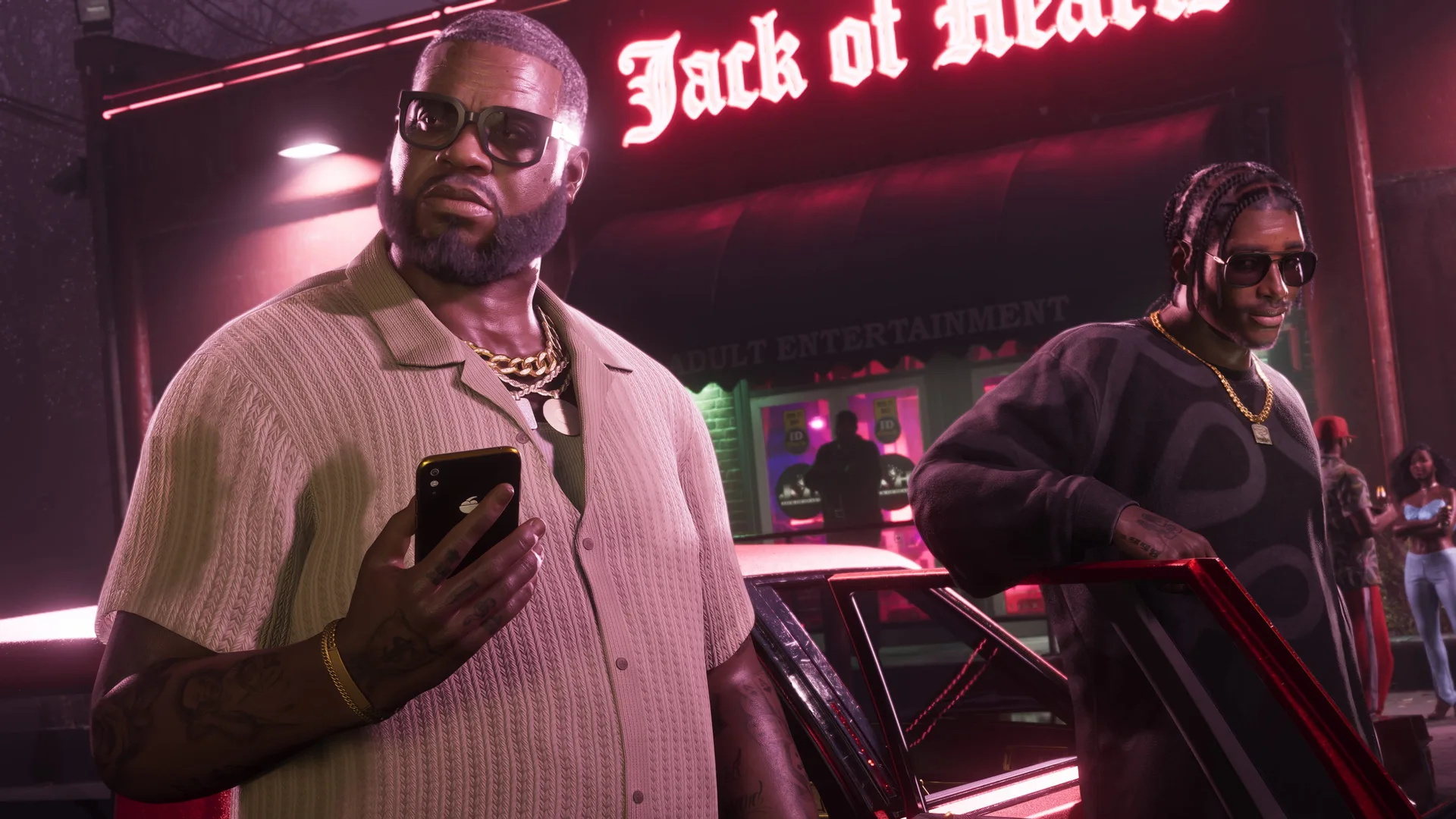
Rob Nelson, Rockstar North’s studio head, went further in the press sessions. The phone is a physical item, he said, and it is very much Lucia or Jason’s phone with their own apps on it, “not a player-facing item.” Read that twice. The phone belongs to the character, not to you, which is why the two leads carry different apps and different conversations. The frame-watchers have already found the seams, mind. In one Extended Look shot the phone simply appears in Lucia’s hand with no pull-out animation at all. Rockstar has fourteen months of polish left. Here is what is on the thing.
What Every Confirmed App Actually Does
Between the Extended Look on 27 August and the hands-on previews that followed, seven apps have been named and described. No app store, no browser, no music app so far. Both leads carry their own versions, remember: this is Lucia’s phone or Jason’s, not a shared player menu. This is the confirmed list, nothing more.
// The confirmed apps
Every GTA 6 phone app named in the Extended Look and the press hands-on previews.
| App | What it does |
|---|---|
| BuckMe | Banking, CashApp parody |
| RydeMe | Taxi rides, fast travel |
| Scooter Bros | Recovers your personal vehicle |
| WhatUp | Texting NPCs and partner |
| Waink | Scans cars before theft |
| Snapmatic | Browse-only social network |
| Fitness app | Workout timing and tracking |
The fitness app is the quietest of the seven. Rob Nelson says it tells you when you should work out, and one preview adds that it tracks your fitness and workout status over time. The gym system it feeds, reps, stat bars and all, lives in the stats and fitness guide. The other six earn their own sections below.
How BuckMe Holds Your Dirty Money
BuckMe is the CashApp parody and your bank account, the purple logo you can see sitting at the top right of the HUD in Extended Look frames. Every preview that lists the apps lists this one first, because it anchors the game’s whole economy: banked money is safe money, and the purple number is the one that survives your mistakes. It also puts a face on the fiction. Your bank is a fintech app rather than a marble branch, which suits two people who cannot exactly walk in and show ID.
Here is the catch you will care about. You cannot deposit cash through the phone. Two separate hands-on accounts confirm that any cash you are carrying has to be physically walked to an ATM before it becomes a BuckMe balance, and that walk is exactly as dangerous as it sounds when you have just emptied a till. The app shows you the number. It does not protect the number. The full three-pool system, ATM runs, duffel loot and story cash gates included, is in the money and economy guide.
The Two Apps That Move You
RydeMe, spelled with a Y, is the Uber and Lyft parody, and it is the closest thing GTA 6 has shown to fast travel. Order a car and you get a choice: skip the ride entirely, or sit in the back and hang out with the driver while they take you across Vice City. IGN’s preview confirms the skip works as fast travel, and the ride-along option mirrors GTA 5’s taxis without the immersion break, since the trip happens in the world with a driver worth listening to. In the full October interview Nelson describes taking one himself and chatting with the driver the whole way, and his verdict is that it is a really good way to travel quickly. Fares have not been priced anywhere yet, so budget nothing until someone publishes a receipt. Routes, options and everything else about getting around sit in the fast travel and transport guide.
Scooter Bros is the one that fixes a decade-old annoyance. It calls your personal vehicle to you, the way Franklin’s mechanic did in GTA 5, except this time it works in single player, which it never did before. Rob Nelson added the detail that matters: if your vehicle gets destroyed, Scooter Bros brings it back “for not too much money.” No numbers yet, same rule as above.
The name is the best Easter egg of the wave. Eighteen years ago someone uploaded a GTA 4 clip of a man slowly driving beside a pedestrian on a scooter, chanting “Scooter Brothers” at him. Rockstar has now named an app after it, and a Scooter Brothers account even turns up on the in-game social feed. Somebody at Rockstar North has spent as long on GTA forums as you have.
What Waink Tells You Before a Theft
Waink is spelled W, A, I, N, K, and yes, it reads exactly how you think it reads. Rockstar knew. Half the preview coverage spells it differently because everyone heard the name out loud and guessed. Juvenile branding aside, this is the most useful tool on the phone if you steal cars for a living, and in this game you probably do.
Point it at a car and Waink returns a scouting report before you touch the door handle. It shows the vehicle’s security level and the specific tool you will need to get in clean: a slim jim for the cheap stuff, a key cloner or an immobiliser bypass further up the range. It tells you whether the car has an alarm, and whether it carries a tracker, with a standard tier and at least one higher tier confirmed. Then it shows the money: what the car sells for, and what it would cost to register it as your own personal vehicle instead. Scan first and the alarm never sounds, the tracker never surprises you, and the sale price is a decision instead of a gamble. IGN’s own hands-on demo ran the scan before a vehicle theft, so Rockstar plainly intends it as step one of the stealing loop rather than an optional extra. What those sale prices look like, and how fence relationships raise them, is covered in the vehicle theft and fences guide.
WhatUp Texts, Calls and Good Nights
WhatUp is the WhatsApp parody, and it is where GTA 6 quietly hides a relationship system. You can text NPCs you meet across the world, and Jason and Lucia text each other. Send a good night message. Send a good morning one. The hands-on accounts agree these small exchanges genuinely build the bond between the two leads, alongside dates and time spent together, and one preview describes the pair texting back and forth non-stop while the story escalates around them. How that bond pays off is the subject of the Jason and Lucia relationship guide.
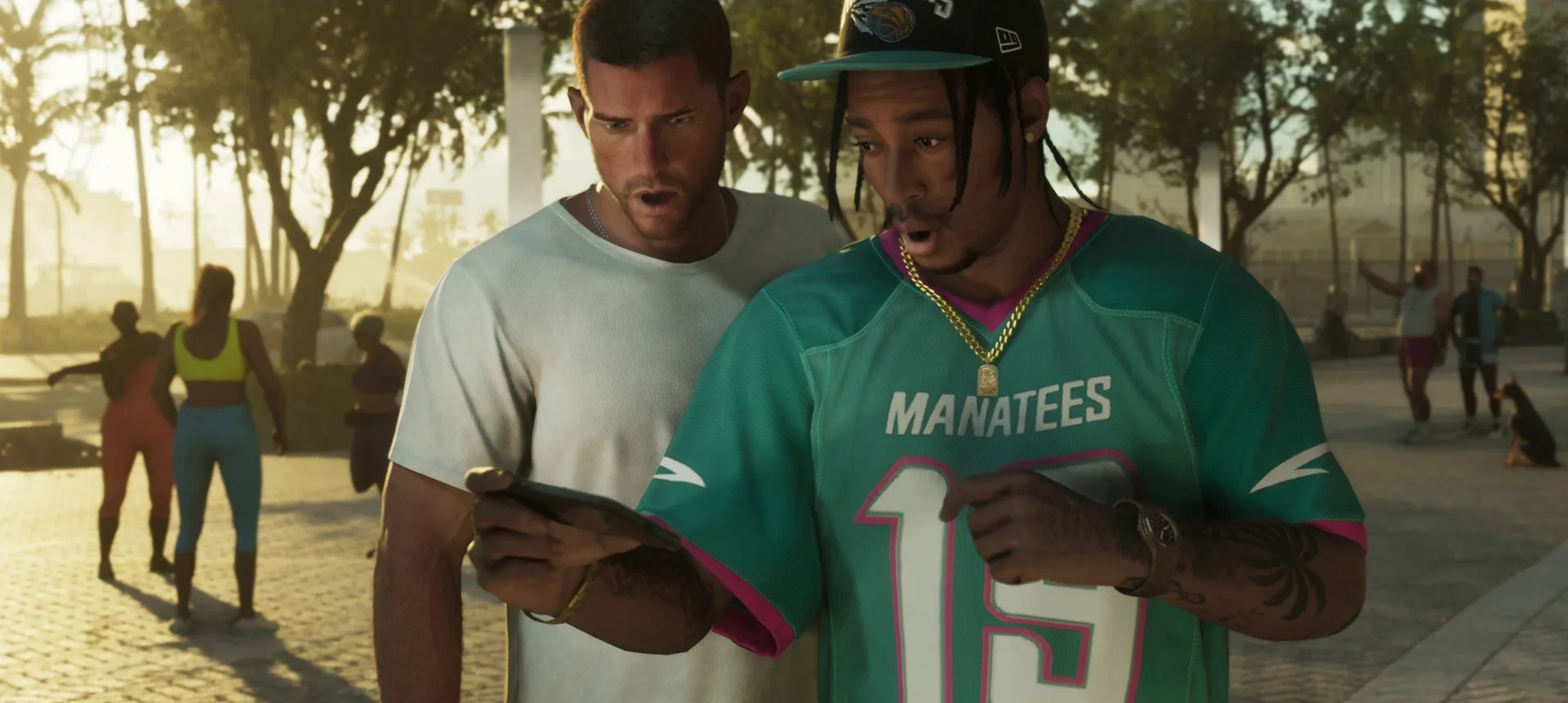
Old-fashioned calls still exist too. The Extended Look shows Lucia driving while on the phone with Jason, and one mission snippet has a character told, “Ernesto, put on speaker phone.” Rockstar has not detailed a call menu or a contacts list yet, so treat the calls as confirmed and the plumbing behind them as unknown.
Snapmatic Returns Without a Post Button
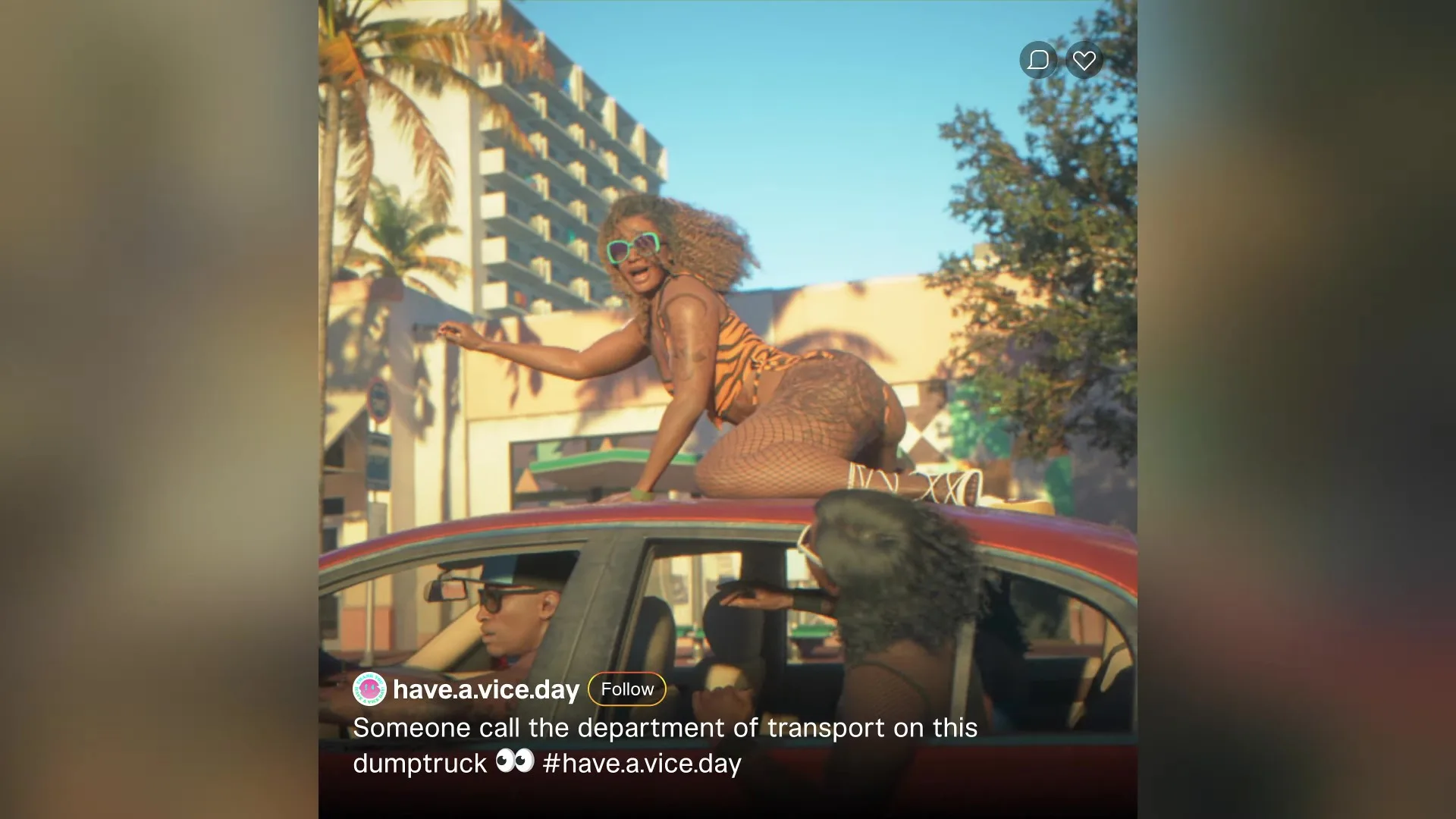
Snapmatic is back from GTA 5, still an Instagram parody, still the main social network of the game world. Lucia’s phone shows accounts she follows. One difference changes the whole app: you cannot post. IGN’s preview spells out the reason, and it is a story reason rather than a technical one. Jason and Lucia are a couple on the run, and people on the run do not leave a digital footprint. So you lurk. You follow accounts, browse what the city uploads, and keep your own camera roll to yourself.
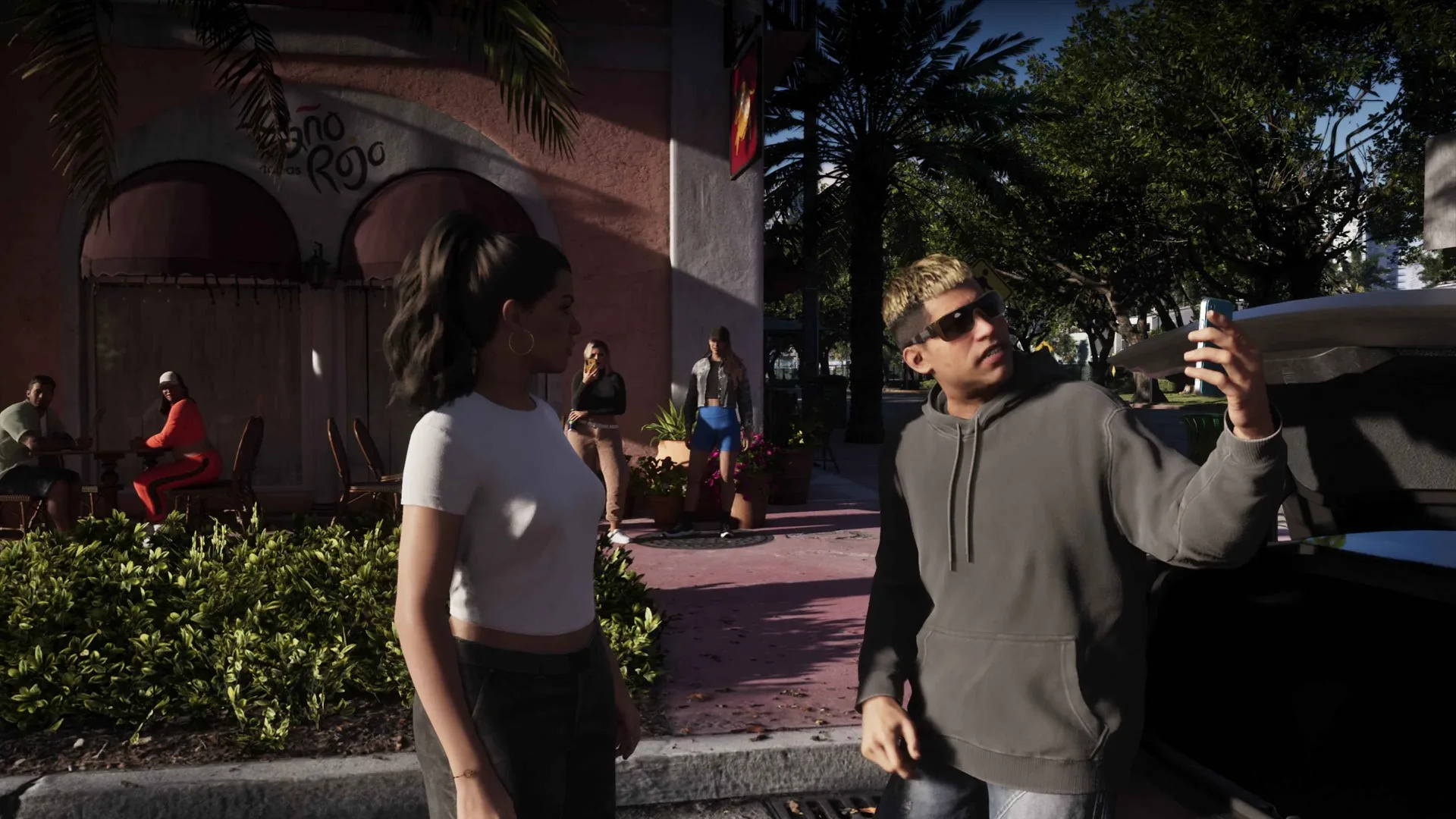
That is a clever inversion of how these apps usually work in open-world games, where the feed exists to admire your own screenshots. Here the feed belongs to Vice City and you are just a quiet account with zero posts. For accuracy’s sake: one early breakdown guessed Snapmatic was a Snapchat stand-in after Lucia name-dropped it in dialogue. The hands-on previews and IGN both describe an Instagram parody, so that is the reading this site holds. Whether the block on posting ever lifts as the story moves is anyone’s guess, and nobody credible has claimed it does.
The Feed That Leads You Somewhere
The social side of the phone is not decoration. It is a lead generator. Hands-on accounts describe scrolling vertical, short-form video feeds, doomscrolling included, and seeing what NPCs are posting and where they are posting it. Go to that location and you can catch the event still unfolding. Rob Nelson confirmed the loop directly when asked whether phone content leads anywhere: sometimes you get videos on the phone, sometimes you find people posting, and the smart move is to follow the trail. The systems behind those posts, and the characters making them, live in the NPC AI and living world guide.
The feed also points back at you. NPCs can film your crimes and stream them live to the in-game networks. One Extended Look sequence shows livestream text popping up on screen mid-chase, and another catches a streamer filming a trunk challenge at the exact moment Lucia robs the vehicle behind him. Fame cuts both ways when every bystander is a broadcaster.
Rockstar has scattered phone jokes across the world too. Signs carry 555 numbers your phone cannot dial. An elderly NPC wanders past on a flip phone. And one poster shows Michael and Franklin’s GTA 5 phones side by side, with Trevor’s missing. The phone in your pocket is new. The city has been on its own phones for years, and it posts more than you ever will.
Discussion
Comments · Phone and Apps
No comments yet.
Loading comments…