
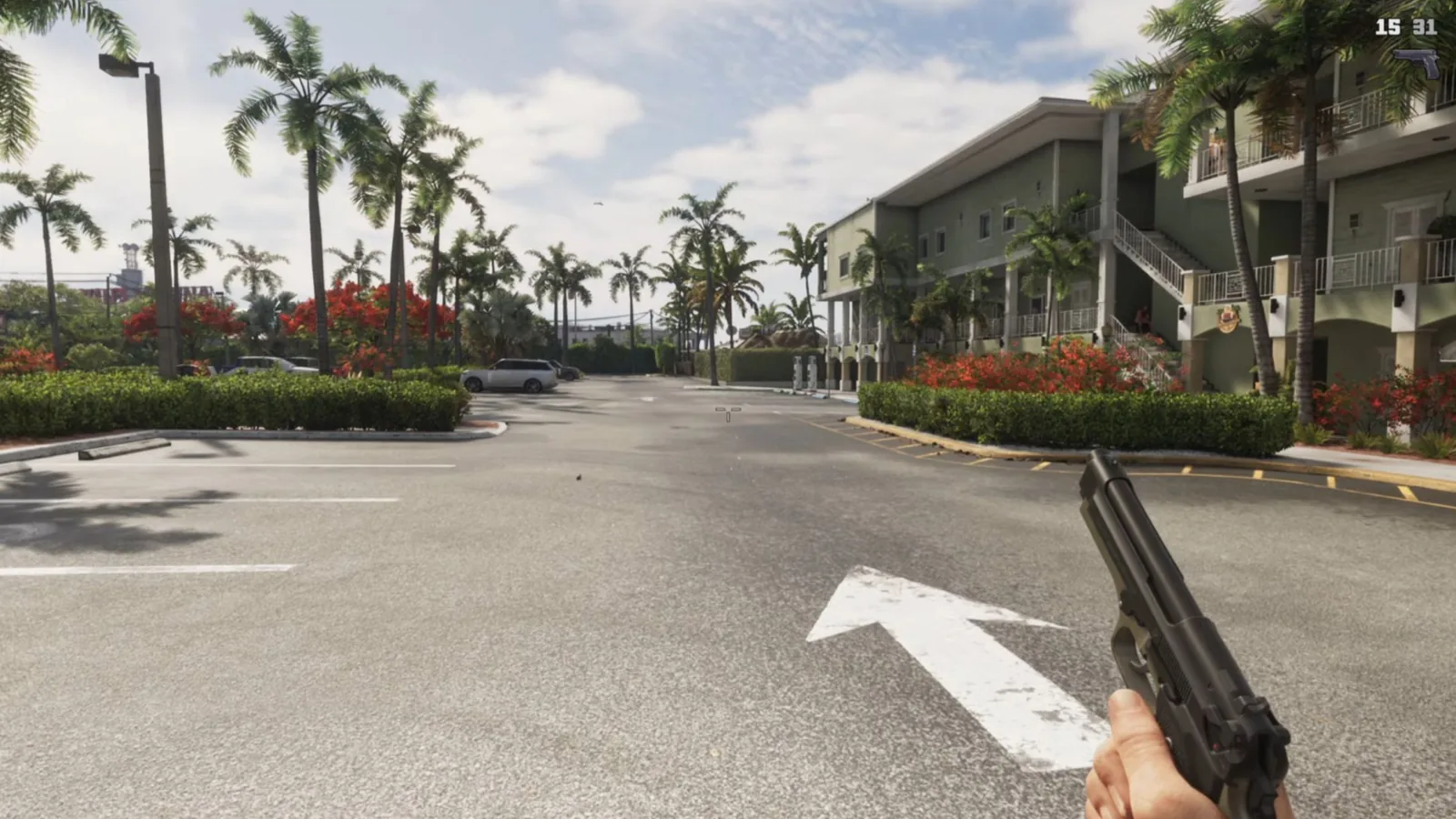
GTA 6 has no first-person mode you can switch on and leave on. It has four official views through the eyes of Jason and Lucia, and one glitch that holds the camera there. Here are the buttons for each, and the way back out.
- There is no permanent first-person mode in GTA 6 at launch.
- Inspect Surroundings is L2 and R3 on PS5, or LT and RS on Xbox, on foot and standing still.
- The phone, a weapon sight and the binoculars each give a first-person view of their own.
- A glitch found by players keeps the view on, and loading a save is the way out of it.
The Short Answer
No. There is no permanent first-person mode at launch. What the game does give you is four official ways to look through Jason’s or Lucia’s eyes, and players have found one glitch that keeps the view on.
First person at a glance
Permanent mode
None at launch
Official views
Inspect Surroundings, the phone, weapon sights, binoculars
Unofficial
One glitch, found by players
Way out of the glitch
Load a save
Inspect Surroundings
Stand still on foot, hold L2 and press R3. On Xbox that is LT and RS. R2 or RT zooms in. You cannot walk while it is on, so treat it as a look, not a mode.
The Phone
Up on the D-pad raises the phone in a near first-person view, and it works at the wheel as well. The option sits under Settings, Camera, Phone Display, First Person.
Scopes and Binoculars
Aim a weapon, then press R3, and you look through the sight. The binoculars are in the inventory from the start, at the lower left of the weapon wheel. Hold L2 to raise them, walk freely and zoom with the D-pad.
The Glitch, Step by Step
This one is unofficial. It takes a few tries, and it changes what one button does.
- Make a manual save. Our saving guide has the menu.
- Open Settings, then Controller, and change Touch Pad Button on PS5, or View Button on Xbox, from Map to Camera.
- Get into any car.
- Raise the phone with Up on the D-pad.
- Put it away with Circle or B and at once hammer the touchpad or the View button.
- Repeat until the phone is gone and the view stays first person. It holds on foot as well.
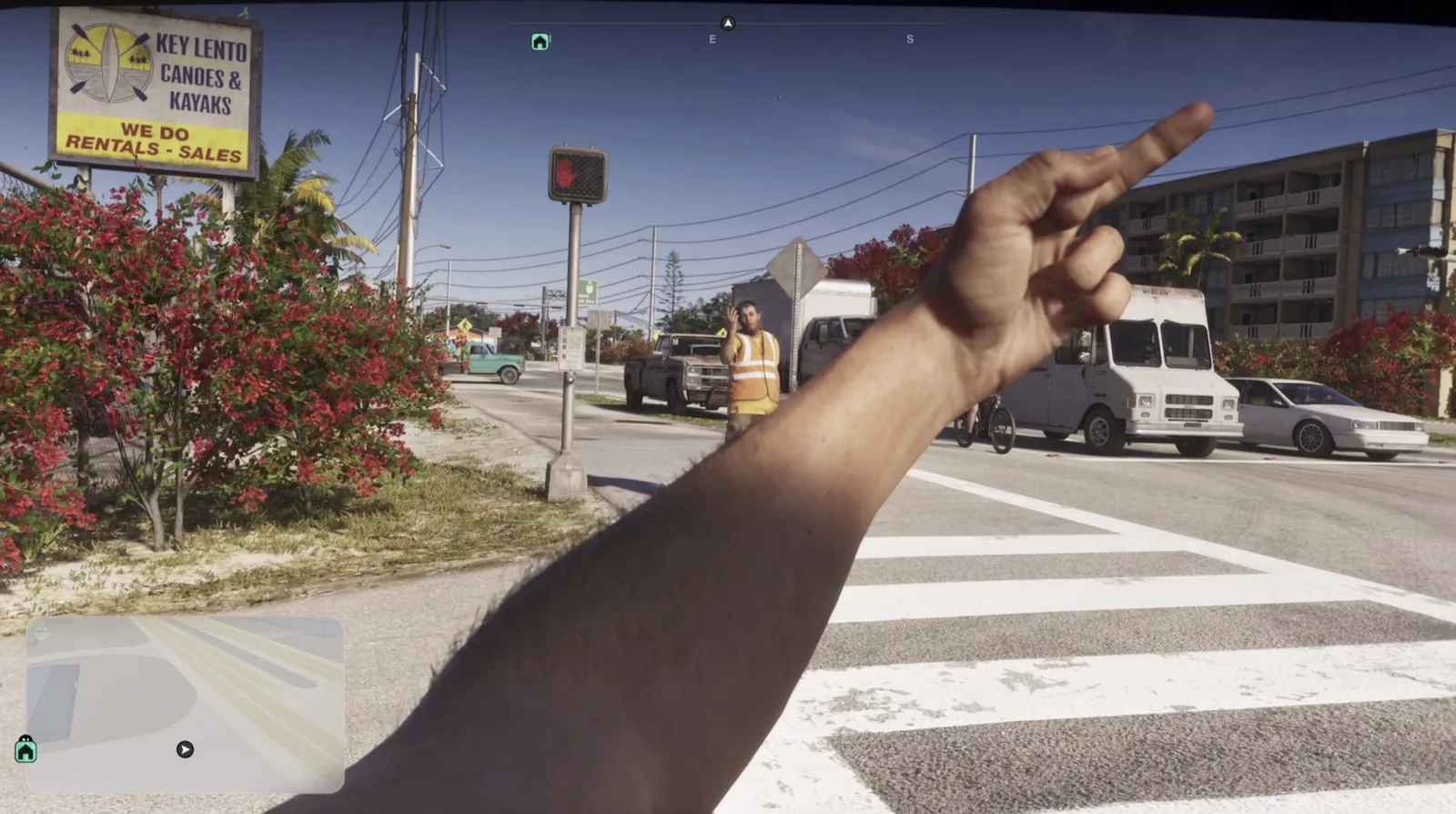
For the animation you will be watching up close, GTA 6 World’s piece on Take-Two’s locomotion patent describes movement built from small blocks that blend together.
How to Leave It
Load a save. That is why the manual save comes first. One written guide adds that a menu which moves the camera, such as a shop counter or a garage, can knock the view out as well.
Discussion
Comments · First-person mode
No comments yet.
Loading comments…