
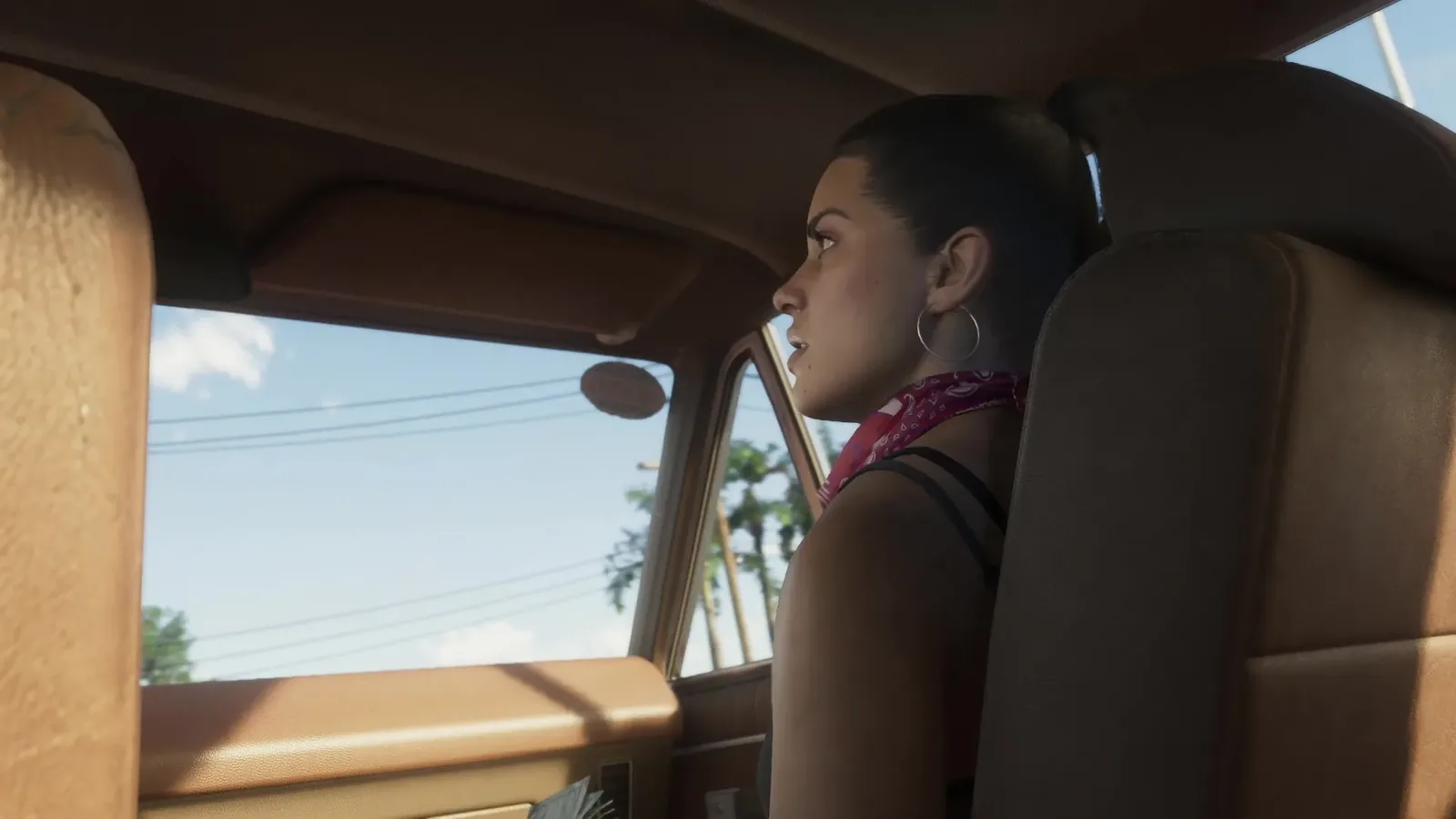

GTA 6 will drive you to a waypoint by itself, and it never tells you how. You need a destination, a road and Cinematic Mode. Here are the buttons, the three speeds and the one setting that lets it leave the road.
- Auto drive needs a waypoint on the map and a road under the wheels.
- Hold D-pad Down, press Options or Menu for Cinematic Mode, then hold Circle or B at the prompt.
- It has three speeds, changed with L2 and R2, and it starts on the middle one.
- Hold D-pad Down again to take the wheel back.
The Short Answer
The car can drive itself. Sit in a vehicle on a road, set a waypoint, then do this:
- Hold D-pad Down.
- Press Options on PS5, or Menu on Xbox, for Cinematic Mode.
- Hold Circle or B at the prompt in the lower right corner.
The car takes you to the waypoint by itself.
Auto drive at a glance
Needs
A waypoint and a road
Speeds
Three, changed with L2 and R2
Off the road
Only with Auto Drive set to Unrestricted
Stop
Hold D-pad Down
What It Needs
Two things: a destination on the map and a road under the wheels. Off the road the prompt is greyed out, and holding the button harder does not help.
Three Speeds
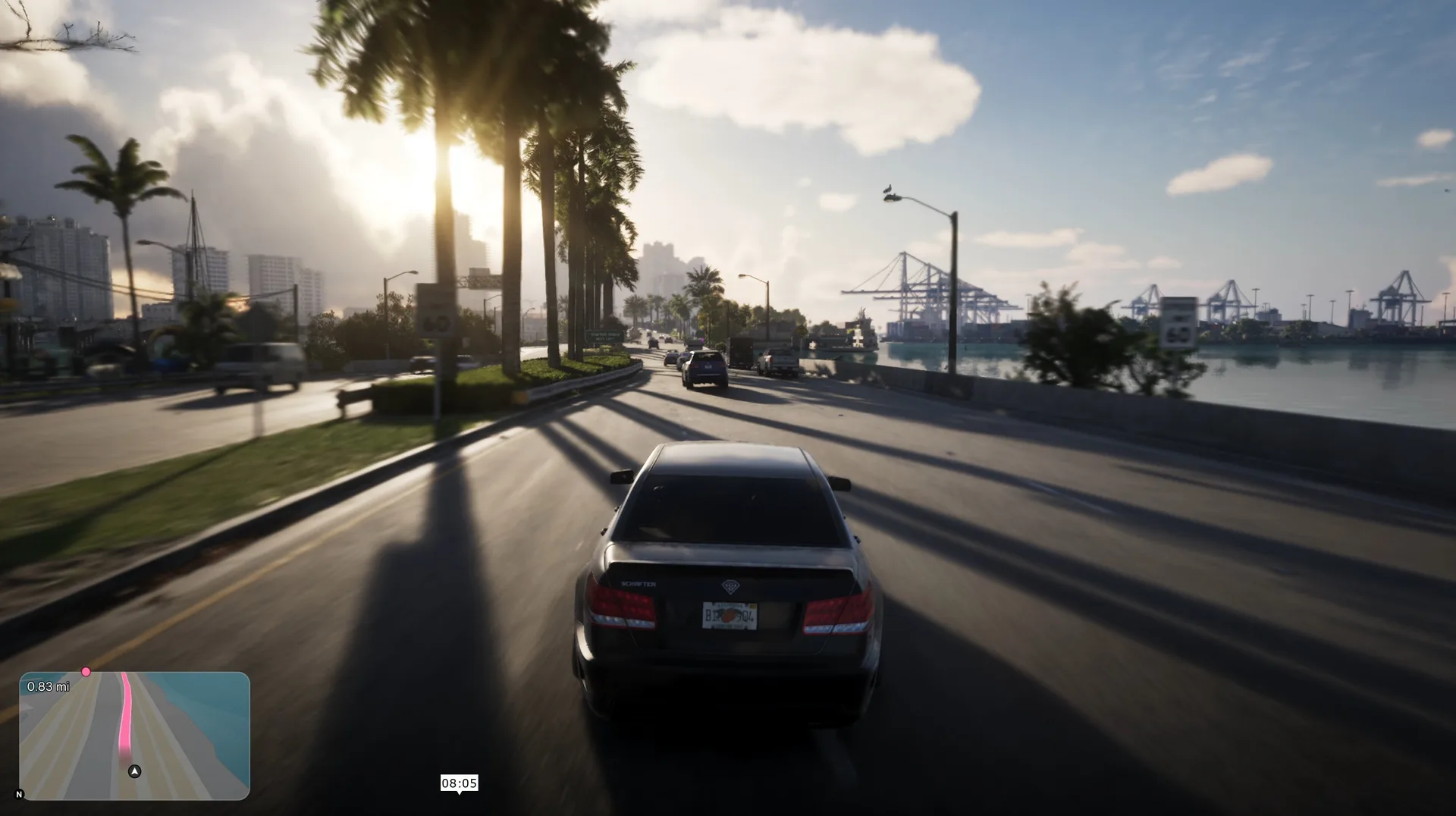
Auto drive has three speed settings and starts on the middle one. Change it with L2 and R2. On every setting it keeps to the traffic laws, so this is the patient way to travel.
The Setting That Lifts the Limit
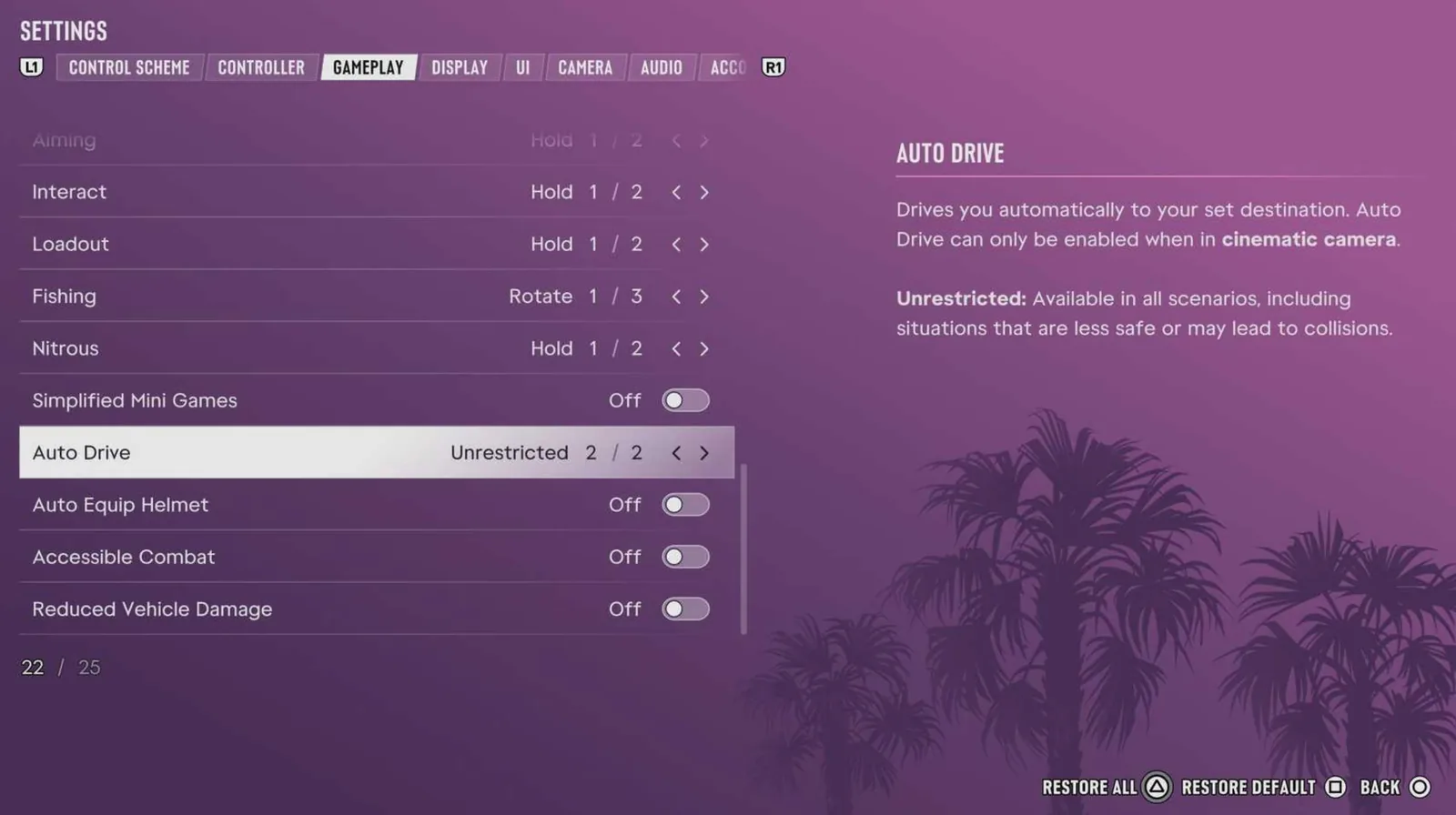
Open Settings, then Gameplay, then Accessibility, and set Auto Drive to Unrestricted. With that on, it works away from roads as well.
How to Stop
Hold D-pad Down again and the wheel is yours. For the other ways to cross the map without driving, see the fast travel guide.
Discussion
Comments · Auto drive
No comments yet.
Loading comments…