
Chapter 1 · Just Like Paradise
Buck Me
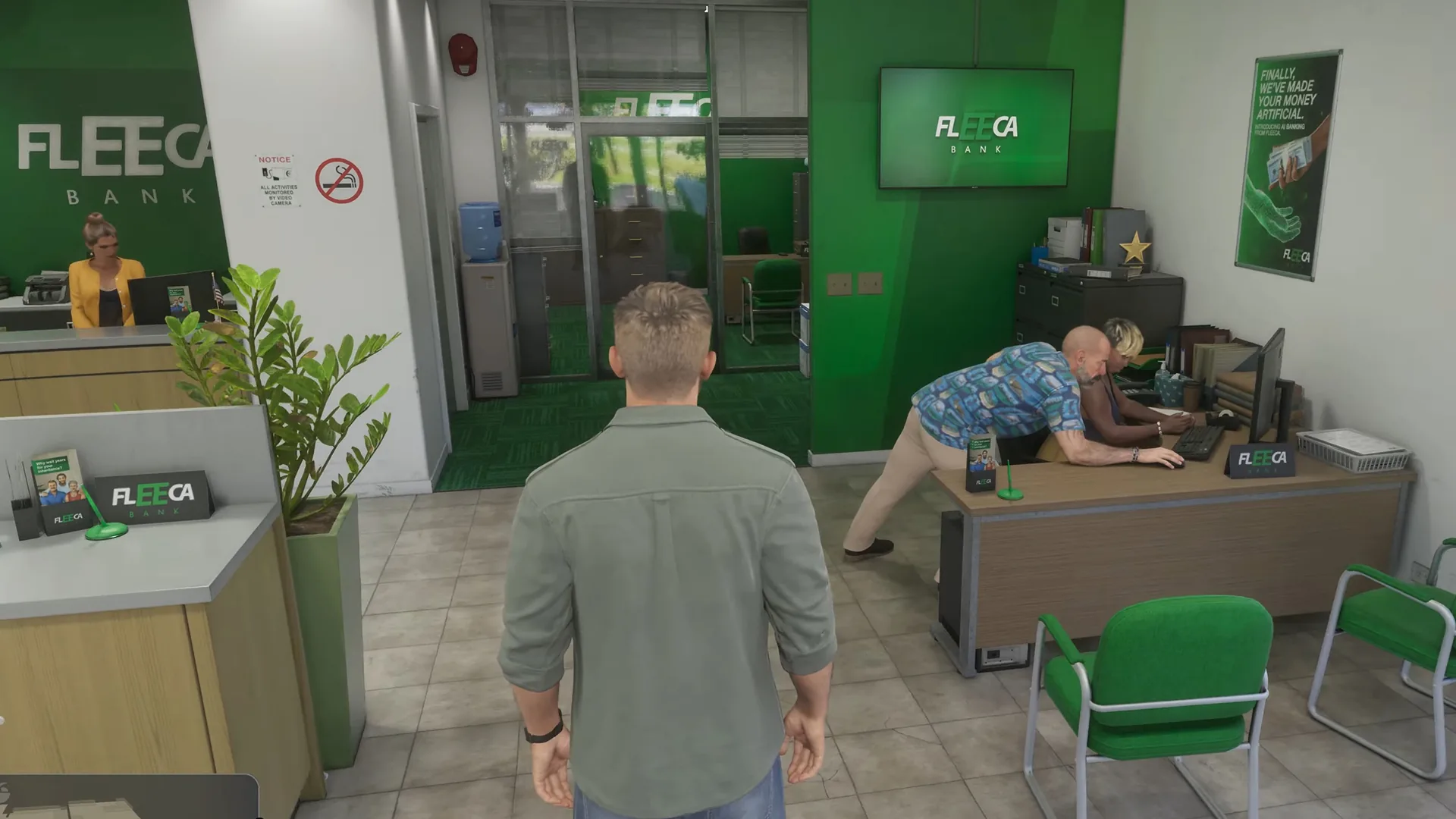
Lucia’s community service pay needs a bank account, so Jason meets her at the Fleeca bank.
- Given by
- Lucia Caminos
- Play as
- Jason Duval
- Objectives
- 4 steps
- Rewards
- 1 reward
Objectives
- Go to the Fleeca bank
- Ask about opening an account
- Open BuckMe
- Move money into Family Savings
Walkthrough
Go to the Fleeca bank
About half a day after Coming Home, Lucia rings Jason. Her community service pay has to go into a bank account, and neither of them has one. Meet her at the Fleeca branch in Key Lento.
Ask about opening an account
The teller inside sends you over to the manager at the table in the right hand corner. Follow him into his office. Your credit is bad enough that he cannot open an account, so he suggests a fintech app called BuckMe to get round it.
Open BuckMe
A cutscene later you are back at the house with $100 in your checking account as a welcome bonus. Open the phone and tap the purple “B” icon to launch BuckMe.
Move money into Family Savings
Inside BuckMe, open the Checking Account menu and use “Buck Yourself” to move the $100 into the Family Savings account.
Money in Family Savings can never be taken out again, but it can never be lost either. Every savings goal brings discounts and a higher checking account limit. Anything over $1,000 is paid through BuckMe, and the cash in your pocket is gone when you die, so pay it in at an ATM often.
Rewards
The BuckMe app, which works as your bank account
Spotted something wrong or missing?
Help keep this page accurate. Suggest an edit and our team reviews it before it goes live.
Discussion
Comments · Buck Me
No comments yet.
Loading comments…