
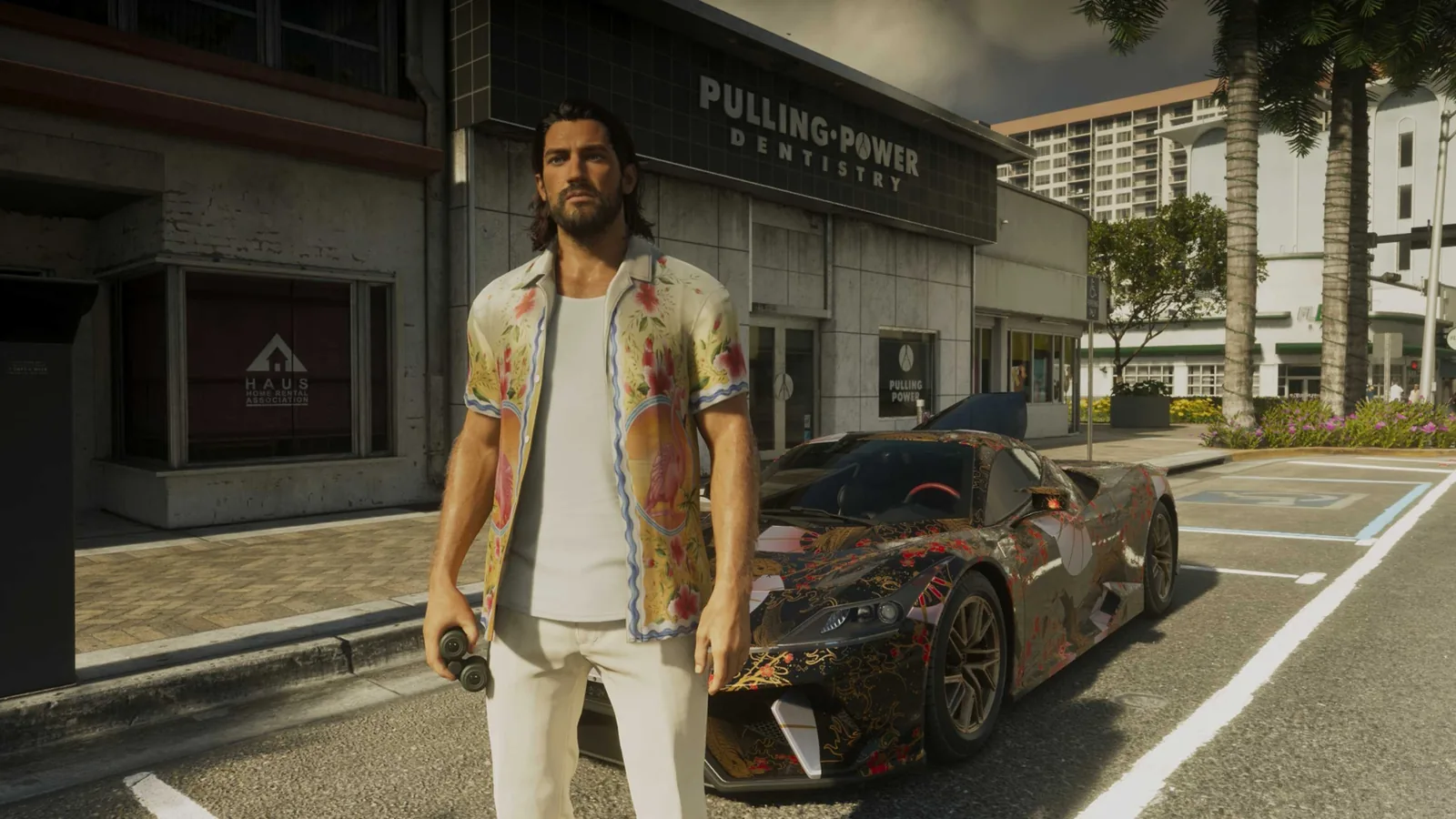
Clothes in GTA 6 are equipment as much as appearance. Everything bought goes to the wardrobe, saved outfits travel in the boot of your vehicle, and changing after a robbery clears one indicator the police identify you by.
- Everything you buy lands in the wardrobe at the safehouse by itself.
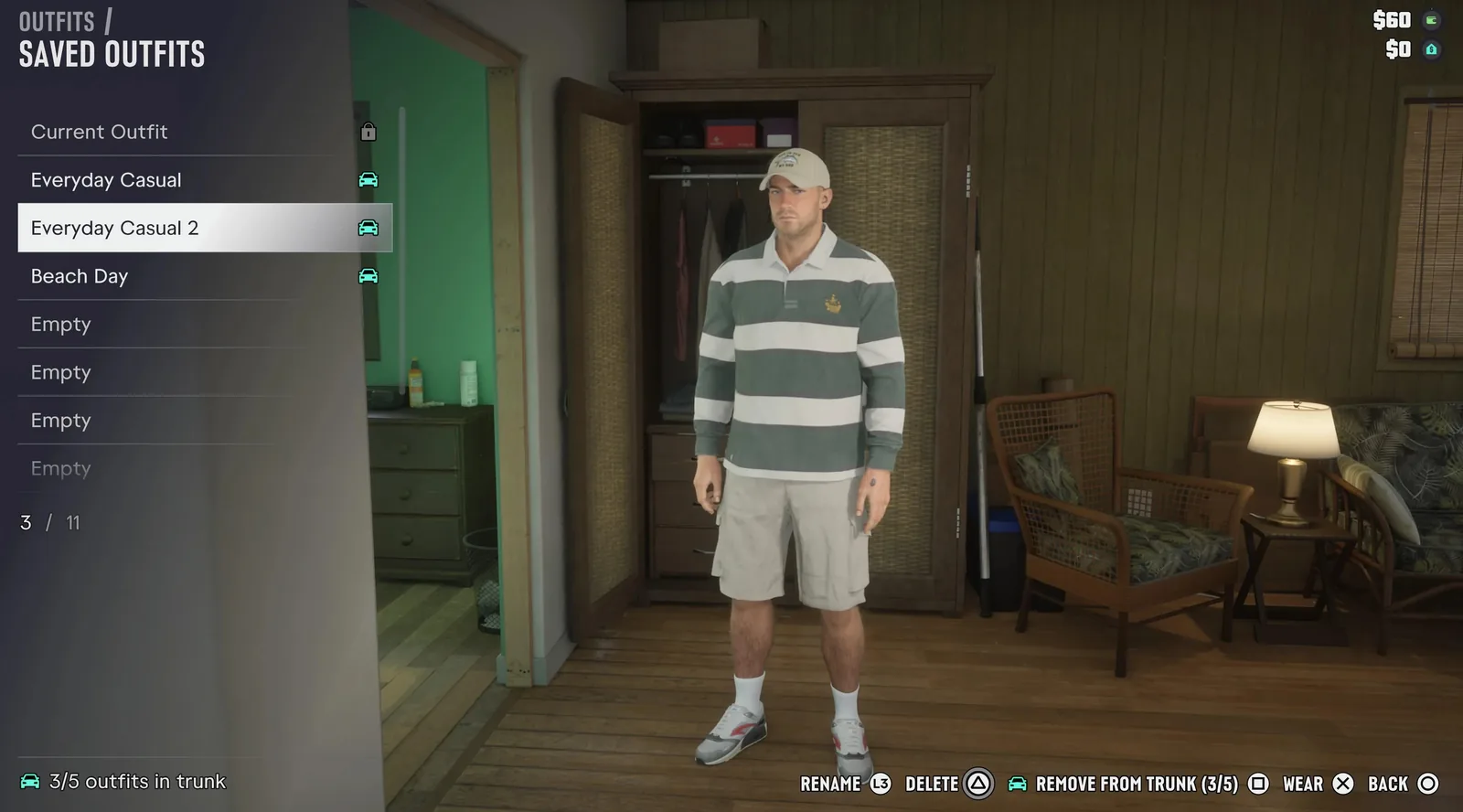
- An outfit goes into the boot of your personal vehicle from the Outfits tab of the wardrobe, with Square or X.
- The boot holds up to five outfits per character and up to three of each accessory.
- A change of clothes clears the outfit heat indicator after a robbery.
Where Clothes Come From
Clothes reach you by three routes: shops, story missions and things you pick up. Shops sit under the Style filter on the map, split into Casual & Street, Souvenir & Swimwear, Thrift and Footwear, and each kind stocks different things. The story adds to the pile, and How Do I Look? is the mission that sends Lucia shopping. Whatever you buy lands in the wardrobe at the safehouse by itself.
The Wardrobe Keeps the Record
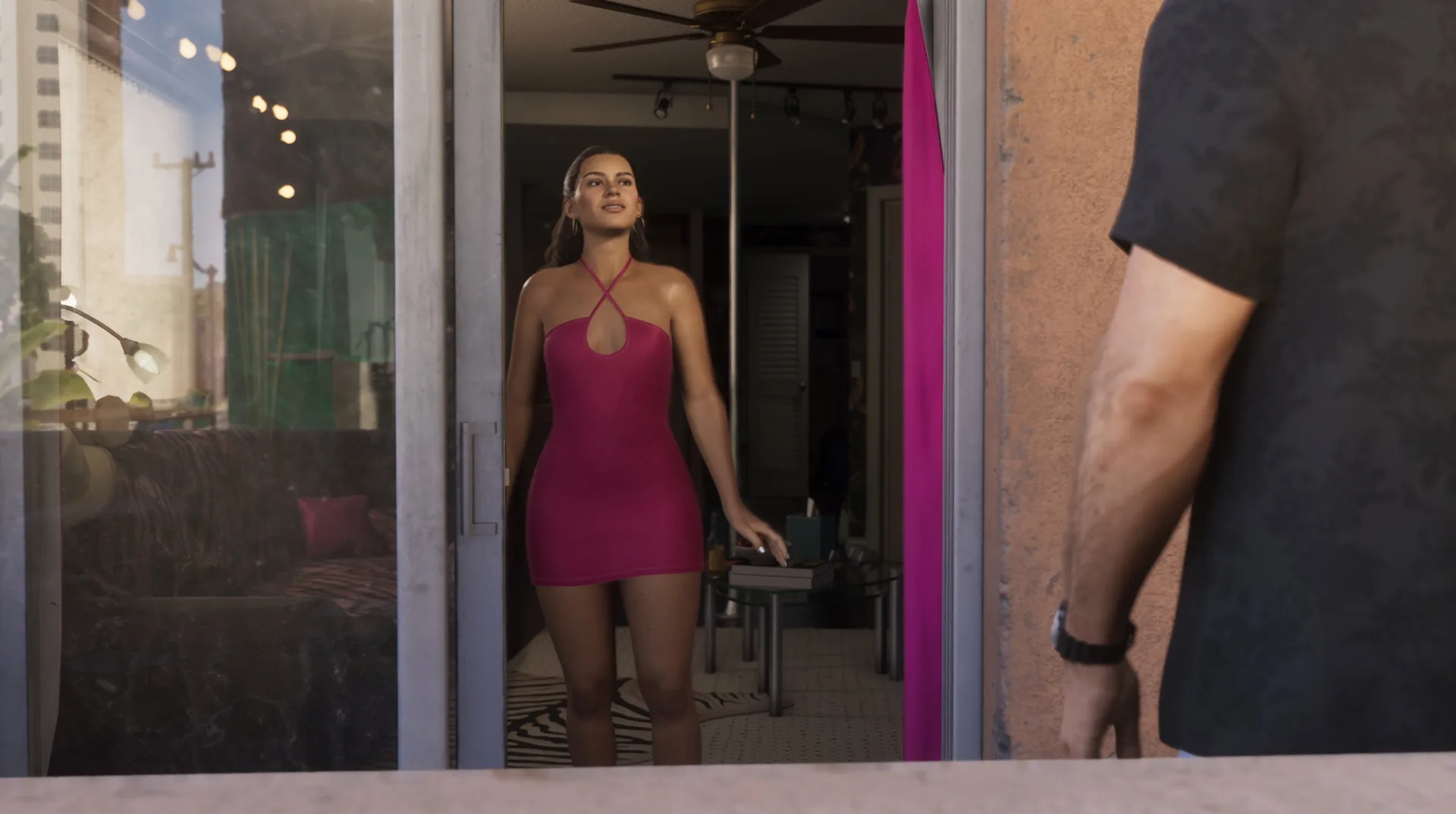
The wardrobe holds ready-made outfits and the ones you save yourself. It also settles ownership. A hat or a pair of glasses found out in the world is only yours for good once it has been saved there. Changing rooms in clothes shops and gyms do the same job away from home.
// The changing ledger
Every place the game lets you change, and what each one holds.
| Place | What it holds |
|---|---|
| Wardrobe at the safehouse | Everything you own, the ready-made outfits and your saved ones |
| Changing room in a clothes shop or gym | The same wardrobe, away from home |
| Boot of your personal vehicle | Up to five outfits per character and three of each accessory |
How to Put Spare Outfits in the Car
- Open the wardrobe and go to the Outfits tab.
- Pick an outfit and press Square on PS5 or X on Xbox. It goes to the boot of your personal vehicle.
- To change, open the boot. Sitting in the car, the weapon wheel does it as well.
For what Rockstar said about the system before launch, WikiGTA6’s account of the character customisation has the record.
Why a Spare Outfit Pays
The evidence is in the wanted system. After a robbery the police hold a description of you, and the outfit is one of its heat indicators. A change of clothes clears that one. The game also swaps your clothes for some missions, so an outfit you care about is worth saving before you start one.
Small Controls and Two Accessories
Accessories go on and off in the loadout, on L1 or LB. In its items tab, Up and Down change how some pieces are worn, sleeves and bandanas among them. A punch can knock a hat off. An outfit taken while robbing a clothes shop is temporary and is gone once you change.
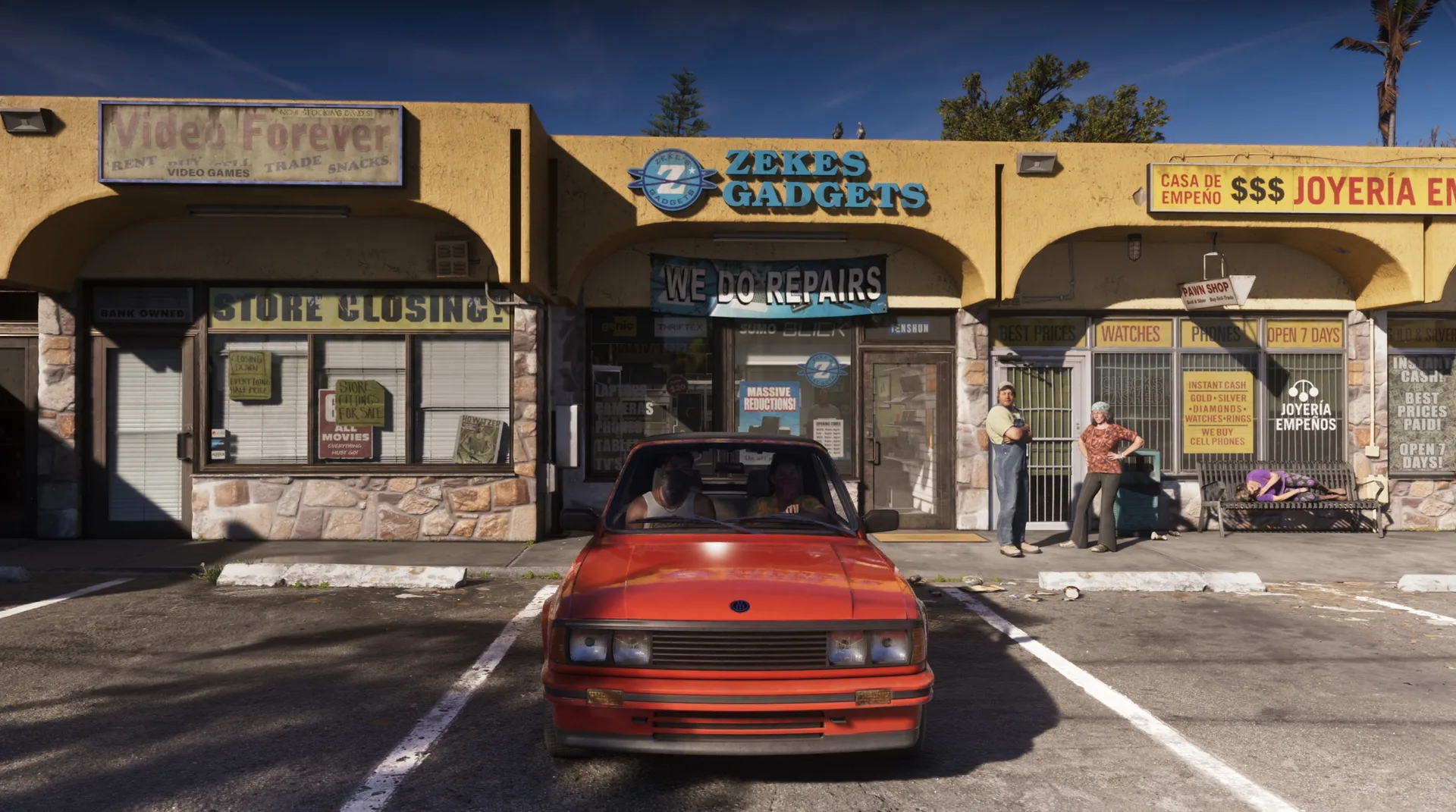
Earbuds and headphones come from electronics shops such as Zeke’s Gadgets in north Hamlet, and they play the radio on foot: hold Left to pick a station and press X or A to switch them on or off. Every motorbike, scooter and bicycle comes with a helmet, and a setting under Gameplay puts it on for you.
Discussion
Comments · Clothes and outfits
No comments yet.
Loading comments…